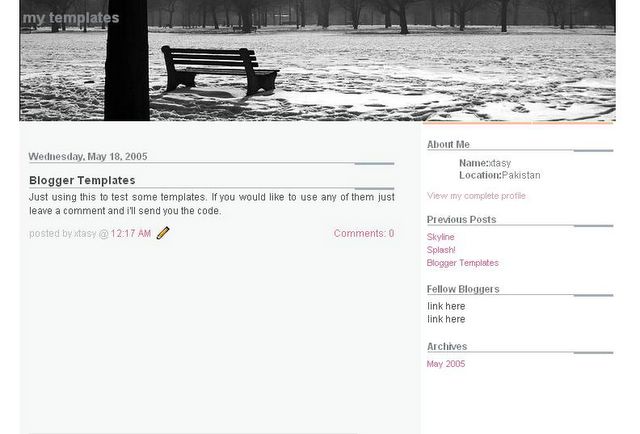
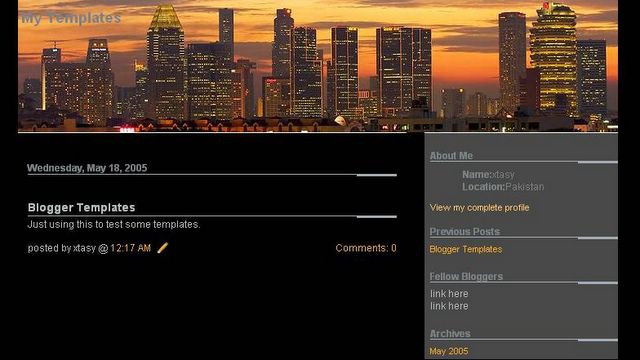
These are some blogger templates I created in my free time. Most of the blog layouts work with New Blogger, please revert to Classic Template if you face any problems. I've provided links to the code for each blogger template, you are free to download and use them on your blog. Instructions on how to use the blogger layouts are given here. Let me know if you have any trouble using them on your blog and i'll see what I can do. Suggestions for new blogger templates are welcome.
If you are looking for anything in particular for your blog backgrounds leave a comment and I'll try my best to come up with a new blogger template or if you would like any of the existing blog templates to be customized furthur feel free to request.
If you are interested in monetizing your blog and profiting from your writings or just learning how to work with Google Blogger and customizing your blog layout here are some great reads.
If you are looking for anything in particular for your blog backgrounds leave a comment and I'll try my best to come up with a new blogger template or if you would like any of the existing blog templates to be customized furthur feel free to request.
Don't have Winzip?
Use the free alternative JZIP to unzip the template file
*Follow on Twitter, Like on Facebook for latest updates
Use the free alternative JZIP to unzip the template file
*Follow on Twitter, Like on Facebook for latest updates